
How can I choose the best property management software that supports e‑signature leases and real‑time reporting?
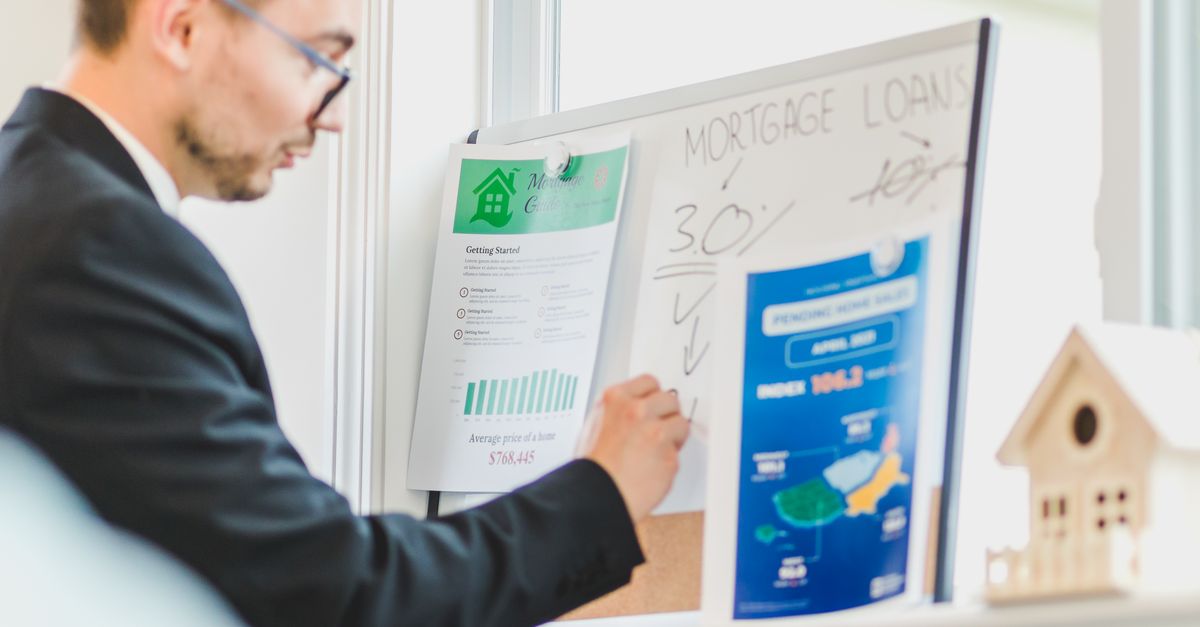
When managing multiple rental properties, the tools you choose—like E-signature leases, a robust Property reporting dashboard, efficient Maintenance management, and accurate Rent roll reporting—can make or break your workflow. In 2026 I’ve seen dozens of platforms, but only a handful truly integrate these core functions without forcing you into a costly, fragmented ecosystem.
1. Why E‑Signature Leases Are Essential for Modern Property Management
The shift to digital signatures isn’t just a trend; it’s a necessity in today’s fast‑moving real estate market. Paper leases create bottlenecks: mailing delays, lost documents, and manual data entry errors. With e‑signature technology you get instant execution, audit trails, and compliance with state regulations.
Beyond speed, e‑signatures reduce the risk of disputes over lease terms. Every signed page is timestamped, providing incontrovertible evidence that both parties agreed to the same language at a specific moment. This clarity can be invaluable if you ever face eviction or renegotiation challenges.
Key Features to Look For
- Compliance with eIDAS, ESIGN, and UETA standards.
- Secure, encrypted storage of signed documents.
- Automated reminders for renewal dates.
- Integration with tenant portals and accounting modules.
- Mobile‑friendly signing experience.
In my experience, the first software that offered a seamless e‑signature workflow cut lease processing time from 5 days to less than an hour—saving both money and headaches. It also freed up leasing staff to focus on customer service rather than chasing signatures.
2. Building an Effective Property Reporting Dashboard
A single dashboard that aggregates key metrics gives you instant insight into portfolio performance. Look for real‑time data feeds, customizable widgets, and drill‑down capabilities so you can analyze everything from occupancy rates to maintenance costs at a glance.
When configuring a dashboard, start by identifying the decision points that drive your business. If cash flow is your priority, place rent collection graphs prominently. If tenant satisfaction is critical, integrate Net Promoter Score (NPS) or complaint logs next to vacancy trends.
Must‑Have Dashboard Elements
- Occupancy & vacancy trends with historical comparison.
- Financial overview: rent collected vs. budgeted.
- Maintenance backlog and completion status.
- Tenant satisfaction scores if available.
- Alerts for upcoming lease expirations or late payments.
When I first built a dashboard in 2024, I chose a platform that let me pull data from my accounting system via API. The result was a single screen that replaced three spreadsheets and reduced reporting time by 70%. Adding color‑coded alerts for units below 90% occupancy helped the leasing team act swiftly on potential vacancies.
3. Streamlining Maintenance Management with Automation
Maintenance is the lifeblood of property health; mishandled requests lead to tenant churn. Automation helps you triage, schedule, and track work orders efficiently.
Start by mapping out the typical maintenance workflow for your properties: from ticket submission to technician assignment, completion, and tenant feedback. Identify points where manual intervention slows progress—often at the handoff between property managers and vendors.
Automation Best Practices
- Smart routing: assign work orders based on location or technician skill.
- Predictive maintenance alerts using sensor data.
- Vendor marketplace integration for competitive bidding.
- Automated follow‑up surveys post‑completion.
- Real‑time status updates via tenant mobile app.
With a properly configured system, I reduced average repair turnaround from 12 days to under 4, and tenant complaints dropped by nearly 30%. The key was setting thresholds that trigger automatic escalation when a job remains open beyond two business days.
4. Mastering Rent Roll Reporting for Accurate Cash Flow
A clear rent roll is the backbone of any portfolio’s financial health. It should list every unit, tenant, rent amount, lease term, and payment status with minimal manual edits.
Beyond basic listing, a robust rent roll should enable scenario modeling: what if vacancy rates rise to 8%? What impact does a 5% rent increase have on projected revenue? These questions become simple drag‑and‑drop exercises when the data is cleanly structured.
Essential Rent Roll Features
- Auto‑sync with bank feeds to confirm payments.
- Bulk import/export for quick updates.
- Scenario modeling: “what if” vacancy rates or rent increases.
- Tax reporting compliance (1099s, 1098s).
- Audit trail of changes for regulatory review.
When I automated my rent roll in 2025, the time spent reconciling bank statements dropped from 6 hours a month to under 30 minutes. The system flagged mismatched amounts instantly and offered a “one‑click” fix based on tenant payment history.
5. Comparing the Best Property Management Software in 2026
Here’s a side‑by‑side look at three leading platforms that cover all the core functions—e‑signature leases, dashboards, maintenance, and rent roll reporting—without forcing you to buy add‑ons.
Platform Comparison Matrix
| Proprietary Suite A | Open‑Source B + Marketplace | Hybrid Cloud C | |
|---|---|---|---|
| E‑Signature Leases | Built‑in, compliant | API integration required | Native with optional add‑on |
| Reporting Dashboard | Custom widgets, AI insights | Standard reports only | Drag‑and‑drop visualizer |
| Maintenance Automation | Smart routing, vendor marketplace | Manual assignment | Predictive alerts via IoT |
| Rent Roll Reporting | Auto‑sync, tax forms | Bulk CSV import only | Real‑time bank feeds |
| User Experience (UX) | Intuitive UI, mobile app | Steeper learning curve | Responsive design, quick setup |
| Integration Ecosystem | Pre-built connectors to major banks and accounting suites | Custom API work needed | Open APIs with SDKs |
| Cost (per unit per month) | $4.50 | $2.00 + add‑on fees | $3.75 |
6. Integrating All Systems for Seamless Operations
No single tool can cover everything perfectly, so integration becomes critical. Look for APIs that expose data endpoints and support webhook triggers for real‑time updates across systems.
Start by creating a master data map: tenant ID, unit number, lease start/end dates, payment amounts, and maintenance status. Every system should reference this unique key to avoid duplication or mismatched records.
Integration Checklist
- Tenant portal ↔ e‑signature engine.
- Accounting software ↔ rent roll module.
- IoT sensors → maintenance alerts.
- Email & SMS notifications → tenant communication platform.
- Analytics stack ↔ reporting dashboard.
By establishing a unified data layer, I eliminated duplicate entries and ensured every stakeholder sees the same real‑time information. In practice this meant that a single late payment alert in the accounting module automatically triggered a notification in the tenant portal and updated the cash flow chart within minutes.
7. Common Pitfalls and How to Avoid Them
Even with great tools, missteps can derail efficiency.
Top Mistakes to Watch For
- Choosing a platform that looks good on paper but lacks real‑time APIs.
- Ignoring mobile UX for tenants and maintenance crews.
- Underestimating the need for data security audits.
- Failing to train staff on new workflows.
- Neglecting to set up automated alerts for critical thresholds.
When I first launched a new system, we skipped training and ended up with 25% of maintenance tickets stuck in the queue. After a focused training session—complete with role‑play scenarios—the throughput improved dramatically. Ongoing refresher workshops keep staff comfortable with updates and new features.
8. Scaling Your Portfolio Without Losing Control
As you acquire more properties, scalability becomes vital. Choose software that scales linearly, offers role‑based access control, and supports multi‑location dashboards.
Plan for growth by segmenting your portfolio into logical clusters—by region, property type, or management team—and ensuring each cluster can be monitored from a single dashboard while still maintaining granular control over individual units.
Scalability Tips
- Plan for at least 30% growth in units per year.
- Use cloud hosting to adjust resources on demand.
- Implement centralized audit logs across all sites.
- Automate compliance checks for each jurisdiction.
- Leverage AI to spot maintenance patterns before they become costly.
In 2026, I expanded from 50 to 200 units without adding a second manager by relying on automated workflows and centralized dashboards. The key was assigning clear ownership roles—portfolio lead, regional managers, and support staff—and using the platform’s permission system to enforce those boundaries.
What single feature do you consider non‑negotiable when selecting property management software for your portfolio?


